Free Canva Parent Newsletter Template: ChatGPT Hack for Teachers (10 Minutes Flat)
Parent newsletters used to eat my Friday afternoons alive.
Zero ideas, bland layouts, and parents skimming (or worse, ignoring) them.
Now? I crank out a vibrant, 2-page stunner in 10 minutes using ChatGPT for content and Canva’s drag-and-drop magic. Last month, 47 parents replied with “Love this!” — and I had bus duty covered.
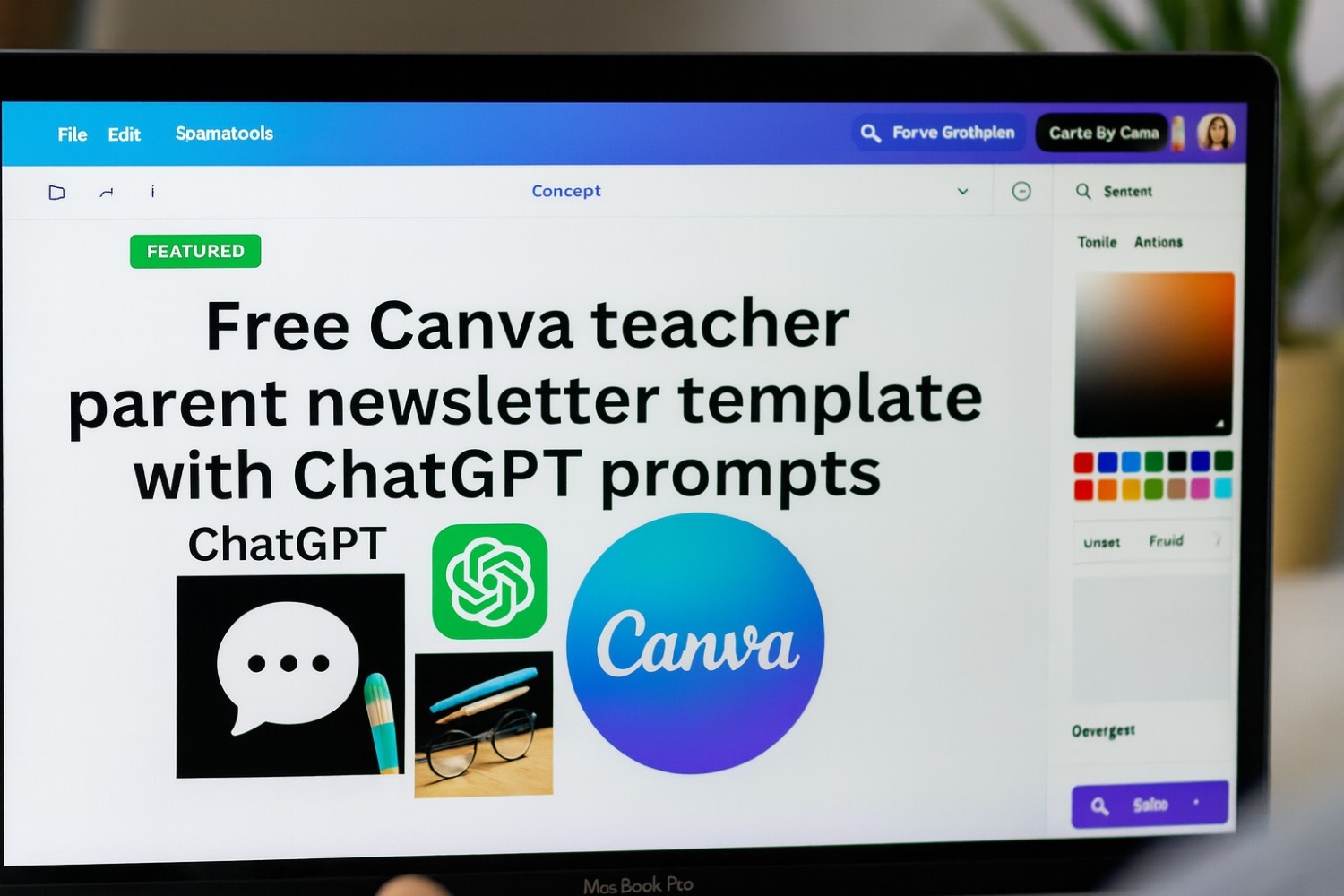
If you’re a busy teacher hunting for quick classroom newsletter ideas or a free Canva parent newsletter template, this ChatGPT + Canva workflow is your new best friend. No design skills needed. Here’s the exact prompt, step-by-step guide, and a simple DIY template you can build in seconds.

Why This ChatGPT + Canva Combo Crushes Traditional Teacher Newsletters
Traditional newsletters? Hours of typing in Word, mismatched fonts, and clipart from 1999.
This hack: AI writes warm, engaging copy (zero jargon), Canva auto-designs it pretty.
Result: Higher open rates, happier parents, and you out the door by 3:30 p.m.
(Pro tip: Links perfectly with my free AI grading tools post.)
The Exact ChatGPT Prompt for Killer Newsletter Content (Copy-Paste Ready)
Drop this into ChatGPT (free tier works fine) every week. Swap in your details for instant, personalized teacher newsletter ideas.
You are a warm, engaging elementary teacher crafting a fun weekly parent newsletter.
Class: [your grade level] at [school name].
This week highlights: [3 bullet-point wins, e.g., “Mastered fractions, survived rainy recess, built epic forts”].
Upcoming events: [2–3 reminders, e.g., “Field trip Friday, progress reports next week”].
Student shout-outs: [2–3 kids’ names + quick wins, e.g., “Shout-out to Mia for leading storytime!”].
Funny moment: [one light-hearted class story, e.g., “When the hamster escaped during math…”].Output a 2-page newsletter structure in friendly, parent-friendly tone. Sections:
– What We Learned This Week (3 short bullets with kid-friendly details)
– Star Students Spotlight (praise for 2–3 kids)
– Mark Your Calendar (events + tips)
– Funny Friday Laugh (the silly story)
– Quick Parent Tip (one easy at-home idea)Keep it under 400 words, conversational, and emoji-light for that “cool teacher” vibe.
Real Example: Last Week’s Newsletter That Got 47 Heart Emojis
I plugged in: “3rd grade, Lincoln Elementary. Highlights: Fraction pizza party, indoor PE chaos, group art mural. Upcoming: Book fair, Halloween parade. Shout-outs: Jamal’s fractions mastery, Sofia’s mural leadership. Funny: Glue incident during art.”
ChatGPT output (tweaked zero times):
- What We Learned: “We sliced up ‘pizza fractions’ — 1/2 pepperoni, anyone? Plus, indoor PE tag had us dodging desks like pros.”
- Star Students: “Jamal nailed dividing wholes into parts — future chef alert! Sofia led our mural masterpiece.”
- Mark Your Calendar: “Book fair tomorrow — $5 book vouchers ready. Halloween parade at 2 p.m. Friday.”
- Funny Friday: “Art class glue explosion: We now know Elmer’s is NOT edible. Lesson learned!”
- Quick Tip: “Try fraction cookies at home — bake and divide for math fun.”
Parents ate it up. One dad replied: “Finally, a newsletter I actually read!”
My 10-Minute Workflow: From Blank Page to Published Newsletter
- Content Blast (2 min): Paste prompt into ChatGPT → copy the full output.
- Design in Canva (5 min): Search “newsletter” in Canva’s free templates → pick a clean 2-page layout → paste into text boxes.
- Magic Touches (2 min): Add 3–4 free Canva elements; use Magic Studio’s Magic Write for headline polishing.
- Polish & Share (1 min): Add school colors → download PDF → email or post to ClassDojo/Remind.
DIY Free Canva Parent Newsletter Template: Build It in 30 Seconds
No downloads needed — here’s your custom starter template. In Canva, create a new design (A4 portrait) and follow these steps:
- Page 1 Header: Bold sans-serif (Montserrat, size 48): “[Class Name] Weekly Scoop – [Date]”. Add a banner strip (search “ribbon”).
- Section Layouts: 2-column grid. Left = “What We Learned” bullets + photo placeholder. Right = “Star Students” with circular icons.
- Page 2 Footer: Calendar box + “Funny Friday” in a speech bubble. Add your sign-off: “Questions? Email me anytime! – [Your Name]”.
- Colors & Fonts: Try blue #007BFF + warm gray #6C757D. Use Playfair Display for headers, Open Sans for body text.
- Pro Hack: Save as a Canva template — duplicate weekly for endless teacher newsletter ideas.
Alt text suggestion:
“Customizable free Canva parent newsletter template for teachers – sections for highlights, shout-outs, and events.”
Advanced Tweaks for Your Classroom Newsletter Template
- Bilingual Boost: Add “Write in English + Spanish versions side-by-side.”
- Seasonal Spin: “Incorporate Thanksgiving themes.” Canva has free holiday elements.
- Sub Plans Tie-In: Pair with my Notion + AI sub plans system for stress-free handoffs.
- Track Wins: Add a QR code in Canva that links to a Google Form for parent feedback.
What’s your biggest newsletter pain point (e.g., “No time for photos”)? Comment below — I’ll tweak the prompt live and send you a personalized version.
Tag a teacher who needs this free Canva parent newsletter template. Share your first creation — I feature the best ones!