Teacher Appreciation Week: How Gemini Saved My Sanity in the Crazy Final Stretch of the School Year (15 Lazy Prompts You’ll Actually Use)
It’s May again. The school year is winding down, but the workload is winding up. Between end-of-year reports, awards ceremonies, farewell activities, parent communications, and trying to keep students engaged until the last bell, many teachers feel completely drained.
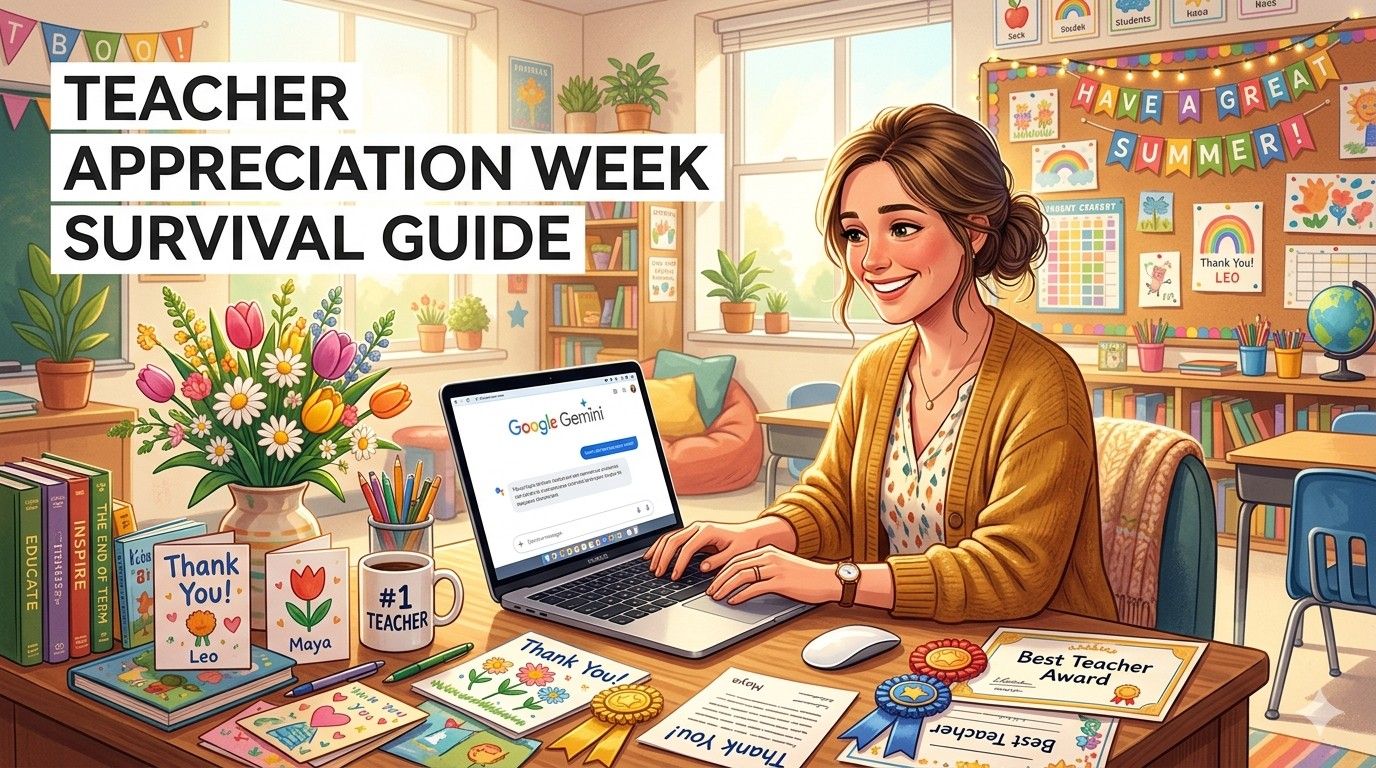
This year felt different for me. After taking a few months away from the blog (life, teaching burnout, and family got in the way), I returned to a mountain of tasks right before Teacher Appreciation Week. Instead of spending evenings and weekends catching up, I turned to Google Gemini — the free AI tool that’s been quietly transforming how I plan and teach.
In under 15 minutes a day, Gemini helped me create thoughtful notes, fun activities, personalized comments, and even self-care routines that made this final stretch feel manageable instead of overwhelming.

If you’re a busy teacher looking for ways to survive (and maybe even enjoy) the last weeks of school while still showing up fully for your students, you’re in the right place. In this post, I’m sharing exactly how I used Gemini plus 15 ready-to-copy prompts you can start using today.
Whether you’re preparing for Teacher Appreciation Week events, wrapping up reports, or planning low-prep end-of-year activities, these prompts will save you hours. Let’s dive in.
(Word count so far: ~180)
Why May Is One of the Hardest Months for Teachers
The irony of Teacher Appreciation Week is never lost on us. While parents and students bring gifts and kind words, teachers are often buried under:
- Writing detailed report card comments
- Organizing awards and certificates
- Planning meaningful yet low-prep activities
- Responding to dozens of parent emails
- Preparing students for final assessments or transitions
- Managing end-of-year emotions (for both kids and ourselves)
Traditional planning can take hours. With Gemini, the same tasks take minutes. The best part? You don’t need to be a tech expert. Just copy, paste, and tweak.
Google Gemini stands out because it’s completely free, integrates beautifully with Google tools many schools already use, and handles educational contexts exceptionally well in 2026.
How I Used Gemini to Reset My May Routine
After my break, I felt overwhelmed. So I started simple. I opened Gemini and used a basic prompt to generate a weekly plan. Within minutes, I had a realistic schedule that included time for appreciation activities, student celebrations, and my own rest.
That small win snowballed. I used Gemini for everything from crafting kind parent replies to generating fun review games that actually excited my students.
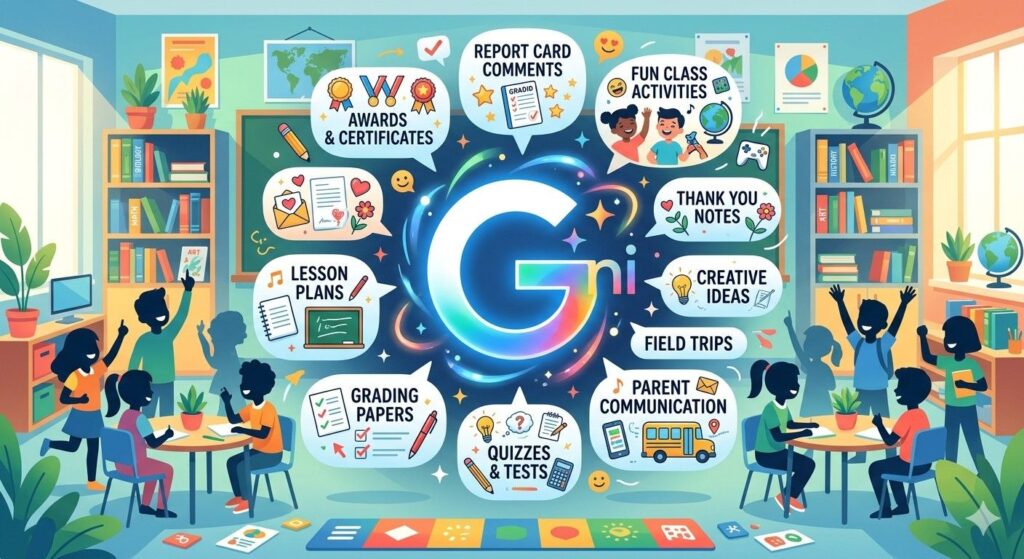
Here are the exact categories and 15 powerful Gemini prompts I relied on this month.
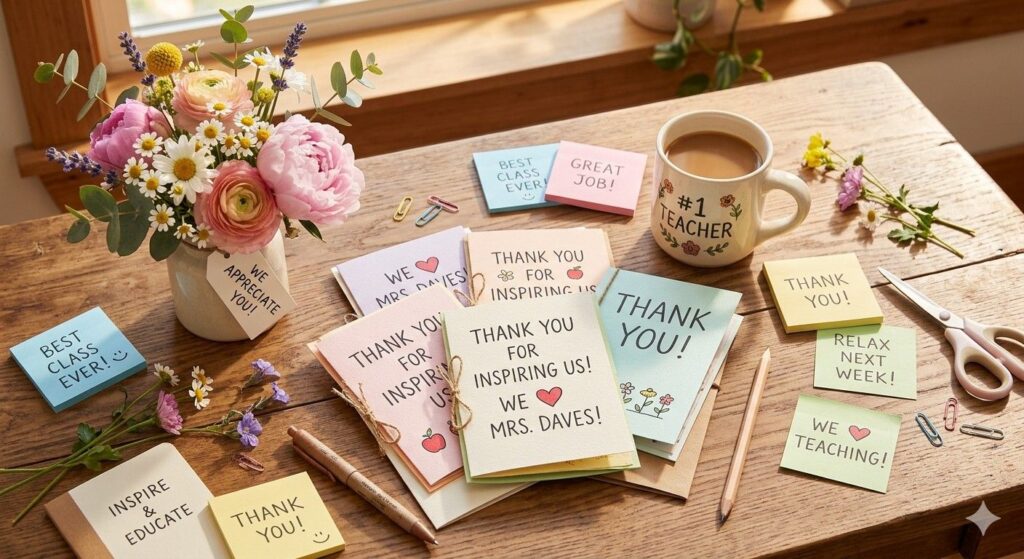
1. Teacher Appreciation Week Messages & Thank You Notes (Prompts 1-3)
Prompt 1: Personalized Thank You Replies “Write a warm, professional thank you reply to a parent who sent a gift for Teacher Appreciation Week. Mention how the gesture made a difference during the busy end of the school year. Keep it sincere and under 80 words.”
Prompt 2: Group Appreciation Messages “Create 5 different short thank you messages for colleagues and staff during Teacher Appreciation Week. Make them encouraging and suitable for cards or emails.”
Prompt 3: Student Appreciation Notes “Generate 8 kind, personalized end-of-year appreciation notes for students in [grade level] that highlight their unique strengths. Vary the tone and keep each under 60 words.”

2. End-of-Year Report Card Comments (Prompts 4-6)
Prompt 4: Positive Yet Honest Comments “Write balanced report card comments for a [grade] student who is strong in [subject] but needs improvement in [area]. Include specific examples and one actionable suggestion. Make it encouraging.”
Prompt 5: Bulk Comment Generator “Create a template bank of 12 versatile report card comments for [subject/grade] covering academics, behavior, participation, and social skills. Make them easy to personalize.”
Prompt 6: Growth-Focused Feedback “Generate constructive comments focusing on student growth over the year for a class of [number] students. Emphasize effort, progress, and future potential.”

3. Low-Prep End-of-Year Activities & Games (Prompts 7-10)
Prompt 7: Fun Review Games “Create 5 no-prep review game ideas for the last two weeks of school in [subject] for [grade level]. Include materials needed (minimal) and how to play.”
Prompt 8: Memory & Reflection Activities “Design 4 meaningful end-of-year reflection activities for students that combine fun and learning. Suitable for the final weeks before summer break.”
Prompt 9: Awards and Certificates “Generate 10 creative and sincere award ideas for [grade] students that go beyond academics (e.g., kindness, perseverance, creativity). Include sample certificate wording.”
Prompt 10: Farewell Party Ideas “Suggest 6 low-prep, low-cost classroom celebration ideas for the last week of school. Focus on activities that build positive memories.”
4. Parent Communication Templates (Prompts 11-13)
Prompt 11: End-of-Year Update Email “Write a friendly end-of-year class update email to parents highlighting achievements, fun moments, and summer transition tips.”
Prompt 12: Positive Behavior Notes “Create templates for quick positive notes home about student behavior and progress during the final month.”
Prompt 13: Summer Learning Suggestions “Generate a list of fun, low-pressure summer activity ideas for families to maintain learning momentum without stress.”

5. Teacher Self-Care & Planning Prompts (Prompts 14-15)
Prompt 14: Personal Reset Routine “Help me create a simple 15-minute daily evening routine for a teacher in May to reduce stress and prepare for the next day. Include mindfulness and quick planning steps.”
Prompt 15: Summer Planning “Create a gentle summer planning guide for teachers who want to rest but also prepare for the next school year without burnout.”
Bonus Tips for Getting the Best Results from Gemini
- Be specific: Include grade level, subject, class size, and tone in your prompts.
- Iterate: Ask Gemini to “make it shorter,” “more positive,” or “add examples.”
- Upload examples: Paste a sample of your own writing style so outputs match your voice.
- Use follow-ups: Continue the same chat for consistency across prompts.
- Always review and personalize AI output before using it with students or parents.
These small adjustments make a huge difference in quality and time saved.
Real Results I Saw This Month
After using these prompts consistently:
- I finished all report comments two days early.
- Students were more engaged in the final weeks than I expected.
- I actually had energy left for my own family in the evenings.
- The appreciation messages I sent and received felt more genuine.
The biggest win? Feeling in control again instead of constantly behind.

Final Thoughts
Teacher Appreciation Week isn’t just about receiving thanks — it’s a reminder of why we do this job. Using tools like Google Gemini doesn’t replace the heart of teaching; it protects it by giving you back your time and energy.
If you’re feeling overwhelmed in these final weeks of the school year, try just one prompt today. You might be surprised how much lighter things feel.